


Every reply, in one list
Search and filter your guests, see who's attending and who named which plus-one, and the headcount updates the moment someone answers.
Weddings, debuts, christenings and birthdays. One link with your photos, program, venue maps and RSVP, made to share on Messenger and Viber. You send the details; our studio designs and builds it.


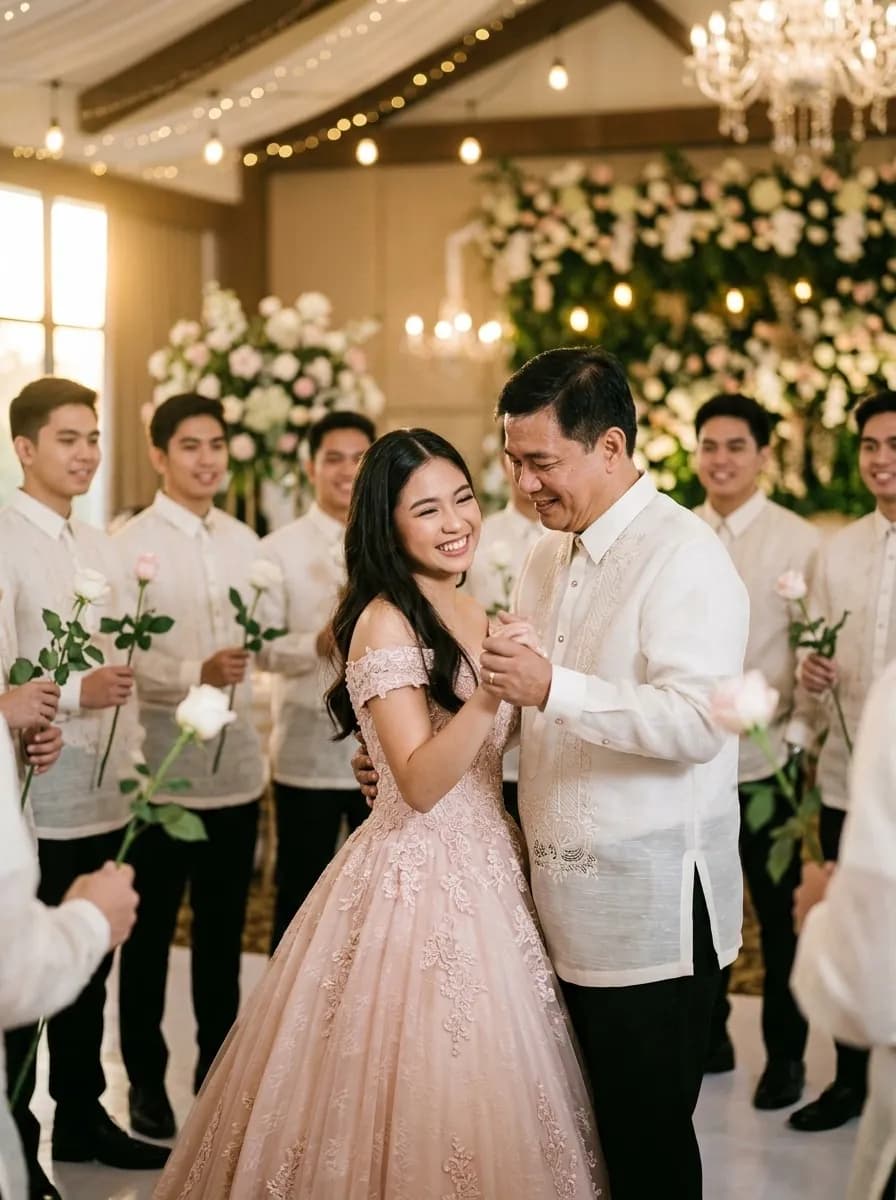
Bianca Navarro is turning eighteen
February 13, 2027 · Tagaytay
dreamvilleinvitations.com/bianca-at-18
Each invitation is built from the sections your celebration needs, in the order you want them. No printing, no group-chat walls of text.
How you met, the proposal, what comes next, told in your words with your photos, or as short questions and answers.
Church, reception, cotillion: each part with its time, venue photo, address and a map link guests tap for directions.
Up to 60 photos in a grid, a carousel or a moving strip, each opening full-screen with a tap.
Principal sponsors, the 18 Roses and 18 Candles, godparents, in paired lists by name, the way programs are printed.
Your motif as color swatches, with attire photos for guests, sponsors or the entourage so nobody has to ask.
A gentle note and your GCash or bank QR codes, or a link to your registry.
Days, hours and minutes to the celebration, right under your names.
Parking, plus-ones, kids, unplugged ceremony, answered once, on the page, instead of in fifty chats.
Guests reply on the invitation, add their plus-ones, leave you a message and answer your own questions: meal choice, song requests, anything.
With Premium, your song begins as the envelope opens, with a button to pause it.
Each one designed around how that celebration is actually run in the Philippines, not a wedding template with the colors changed.
Church and reception, your entourage and sponsors, and RSVP for every guest.
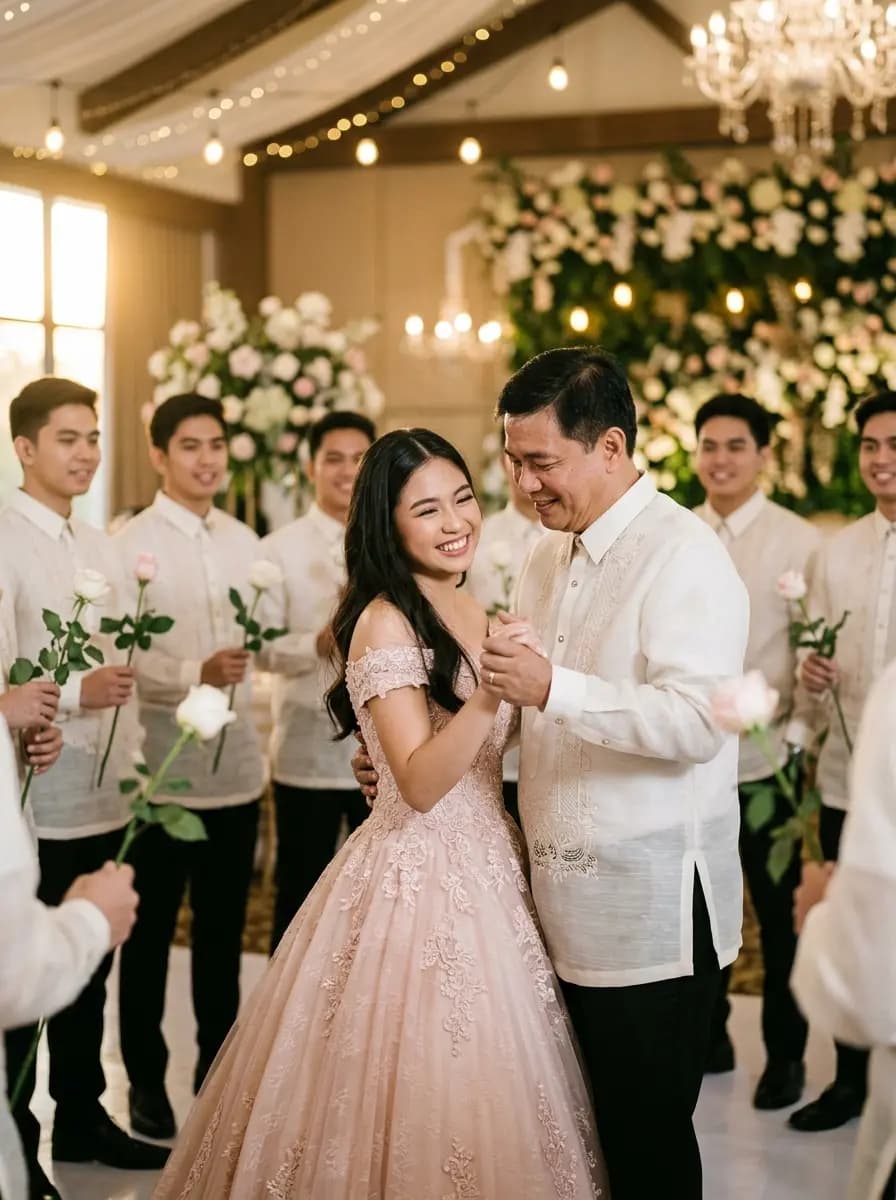
Her portrait, the 18 Roses, 18 Candles and 18 Treasures, by name.
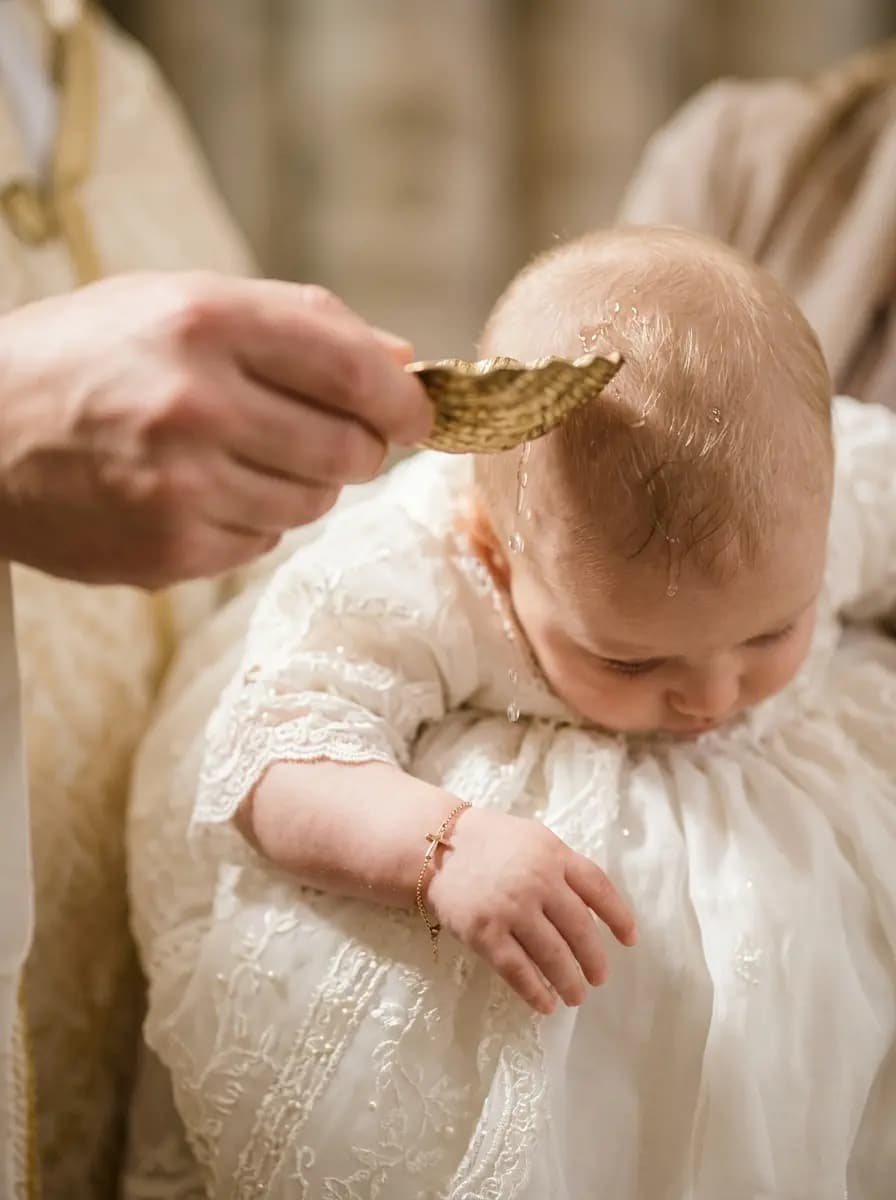
Every ninong and ninang listed, church and reception in one link.
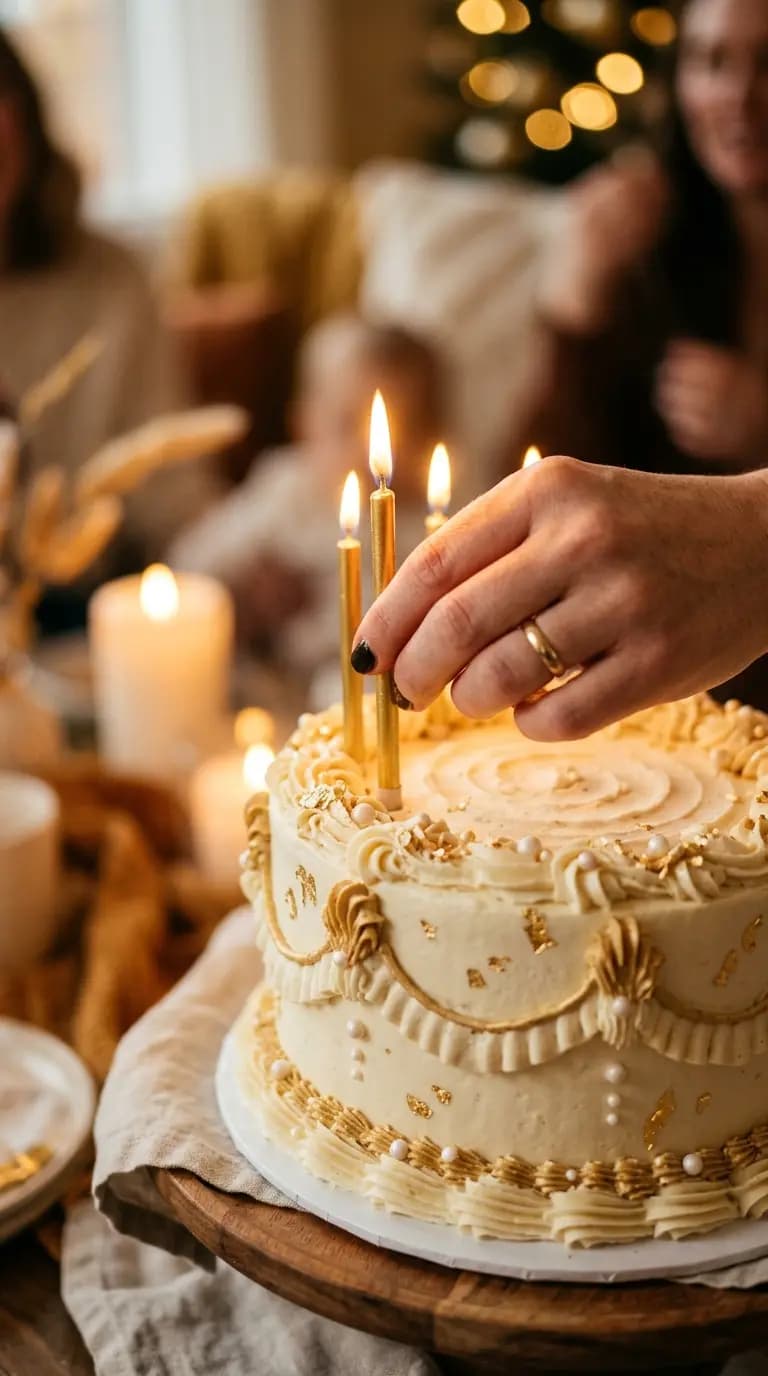
From a first birthday to a sixtieth, with the celebrant front and center.

Silver, ruby, golden: the years together, and the people who were there for them.
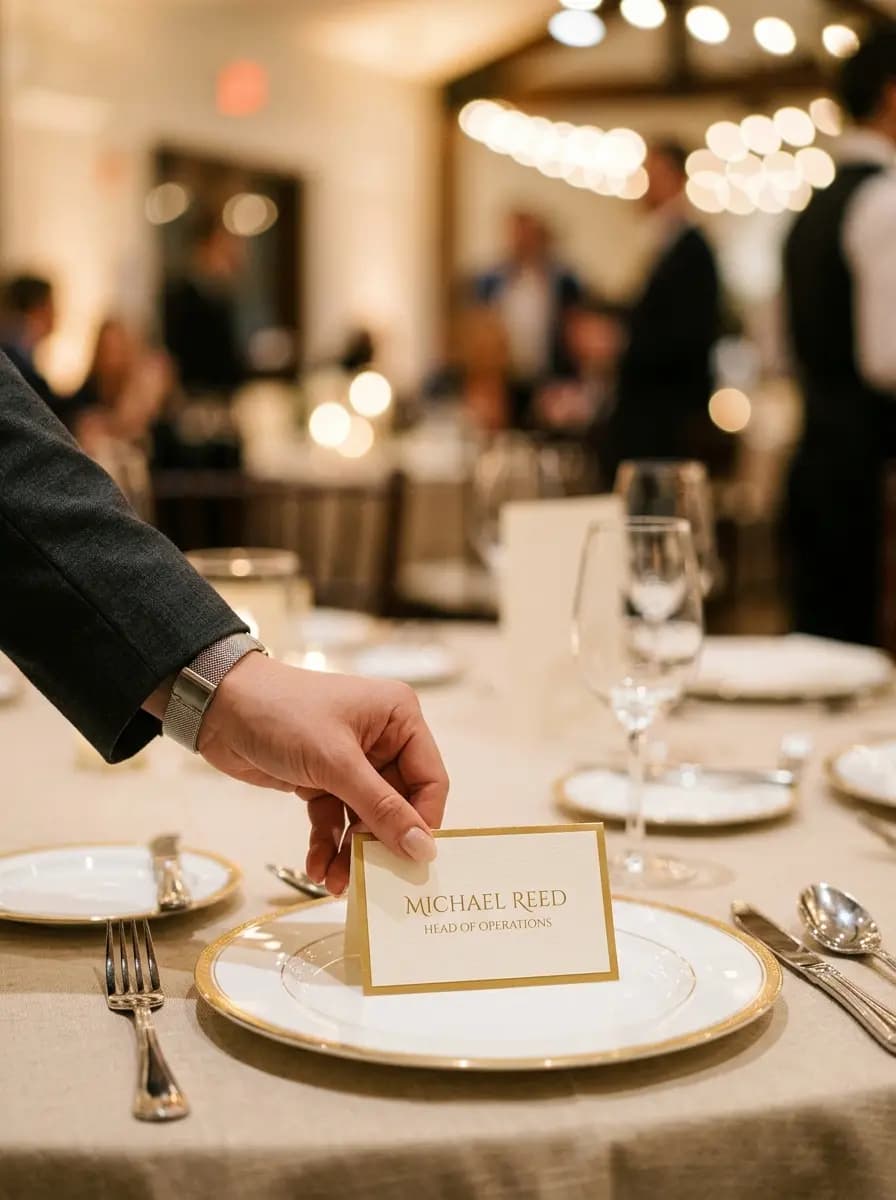
Launches, galas and year-end parties, with RSVP and a guest list you can export.
With Premium, the first thing a guest sees is an envelope with your initials or names. They tap the seal, it opens, and the invitation unfolds behind it.
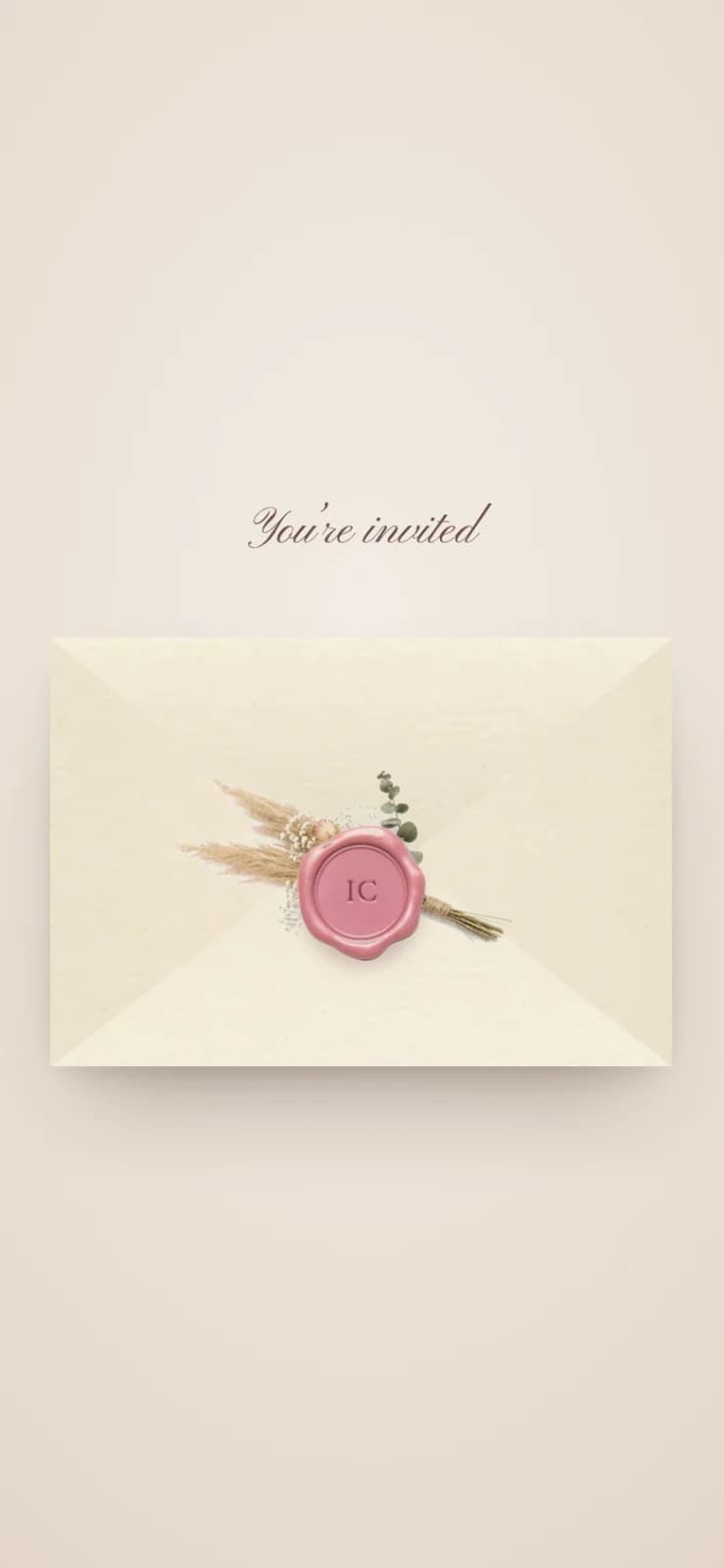
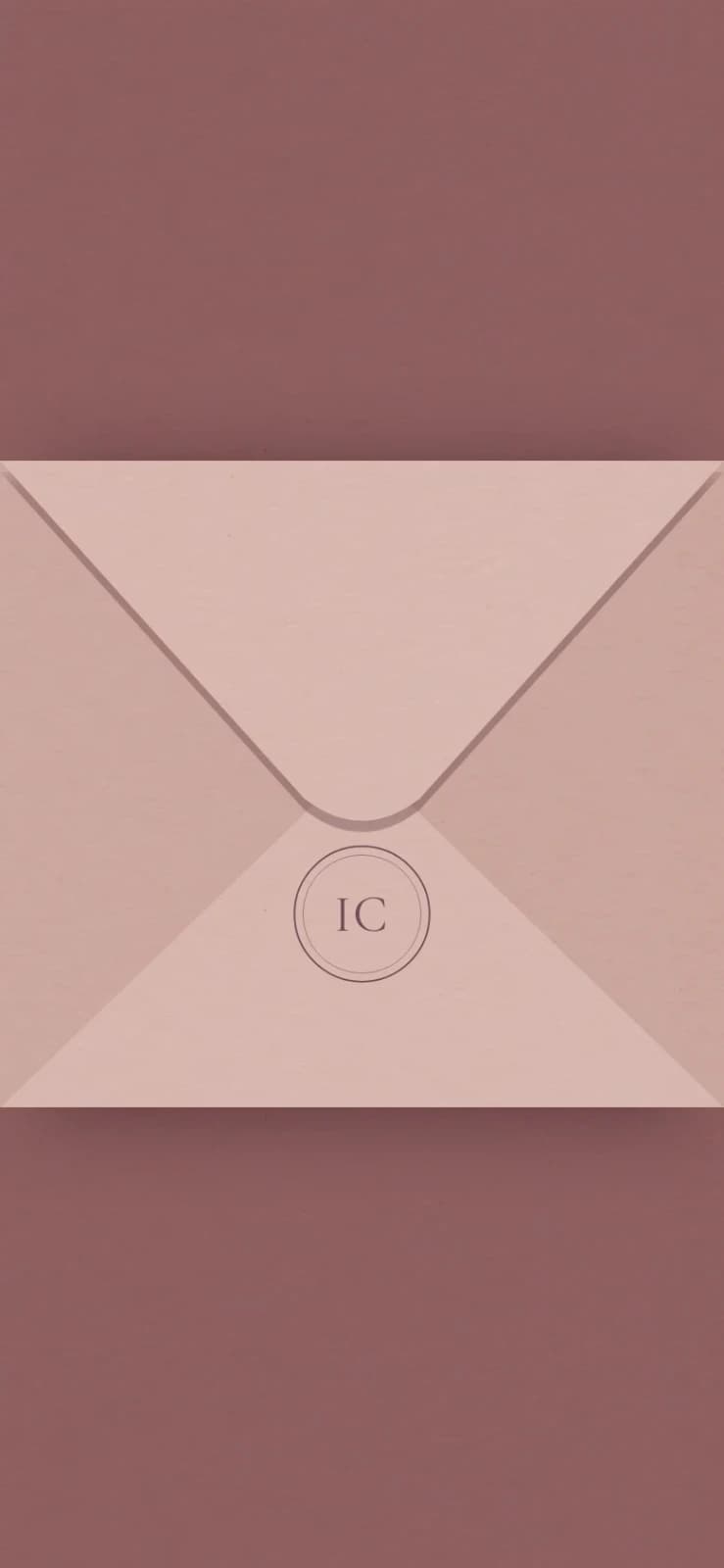
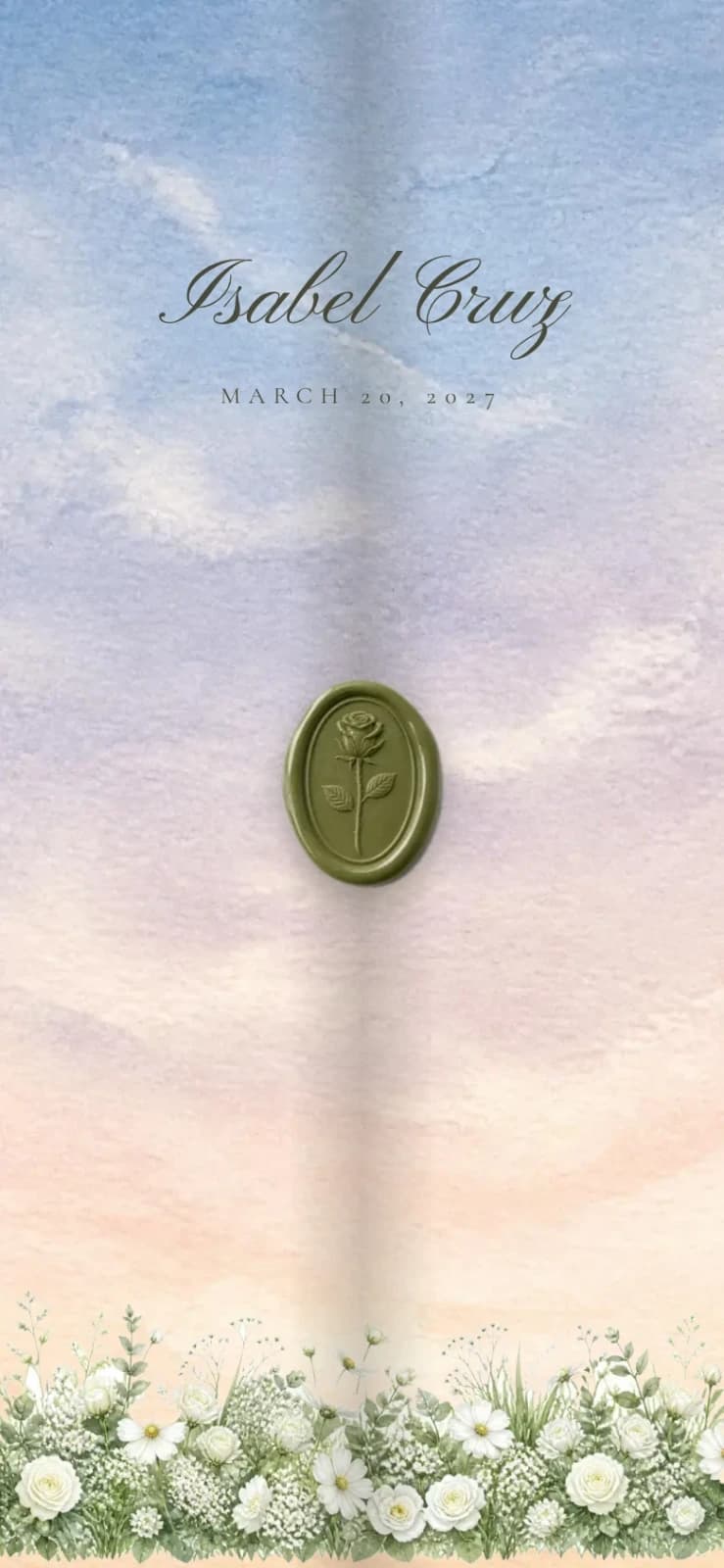

Basic personalises one of these with your names, photos and details. Premium restyles it to your own palette and motif. New designs are added as we paint them.
Every invitation comes with a private page for you, opened with your own passcode. There's no account to create. Follow replies as they arrive, seat your guests, and check them in on the day.
Search and filter your guests, see who's attending and who named which plus-one, and the headcount updates the moment someone answers.
Each guest gets a QR code. Scan it at the entrance with your phone and they're marked as arrived.
Name your tables (Ninong & Ninang, Barkada, Family), set how many seats each has, and assign guests. A full table won't take one more.
Wishes guests leave with their RSVP, all in one place to read again after the celebration.
Export the guest list to Excel-ready CSVor a printable PDF for the coordinator
Filipino invitations travel through group chats, so that's what every Dreamville invitation is built for.
dreamvilleinvitations.com/your-names: easy to read out, easy to paste, never a string of random letters.
Paste it in a family group chat and it opens into a card with your photo, names and date, not a blank grey box.
Built for mid-range phones on prepaid data, so Lola gets the invitation, not a loading screen.
Tell us about your event and we'll recommend the one that fits.
| Feature | Basic | Premium |
|---|---|---|
| Invitation sections | ||
| Cover with your names and photo | ||
| Program and venue, with map | ||
| Entourage | ||
| Dress code | ||
| RSVP form | ||
| Countdown to the event | ||
| Your story | ||
| Photo gallery | ||
| Gift guide | ||
| FAQ for guests | ||
| Extras | ||
| Opening envelope | ||
| Background music | ||
| Choose your fonts | ||
| Custom design, if no template fits | ||
| Included in both | ||
| Guest list, seating plan and QR check-in | ||
| Download the guest list | ||
| Revisions | 3 | 5 |
| Link stays live | Up to 12 months | Up to 12 months |
You never open an editor. Here's everything that happens in between.
Basic starts from a design in our template catalogue, personalised with your names, photos, schedule and venues. Premium goes further: we restyle the design to your own palette and motif, and add background music and an animated opening envelope. Not sure which fits? Tell us about your event and we'll recommend one.
Send us your names, the date, the program, your venues, your photos and anything you want guests to know: dress code, gift details, the entourage. You don't touch an editor or set anything up. Everything goes to us and we build it.
We design and build your invitation, then send you a private preview link that works exactly like the real thing on your phone. Basic includes three revision rounds and Premium includes five, so you can adjust wording, photos and details before anything goes live.
Once you approve, your invitation goes live at its own link, dreamvilleinvitations.com/your-names. Share it on Messenger, Viber or any chat. Guests RSVP right on the page, and you follow replies, messages and table assignments from your own private dashboard.
Your invitation is built behind a private preview link. Nothing is public until you say it's ready.
Names, emails and replies are visible only to you, and deleted after the event once the retention period ends.
Invitations aren't indexed by search engines. Only people you send the link to will find it.
Animation is slow and light, and turns off for guests whose phones ask for reduced motion.
Weddings, debuts, christenings, milestone birthdays, anniversaries and corporate events. Every celebration gets its own design, not a wedding template with the colors changed.
A digital invitation is an invitation your guests open as a link instead of a printed card: a page made for your event with your names, photos, schedule, venue map and an RSVP form, shared over Messenger, Viber or any chat. Dreamville designs and builds yours for you, so there is nothing to print, mail or set up.
Yes. Every invitation unfolds with gentle animation as guests scroll. With the Premium package it also opens like a real envelope. A wax seal lifts, the flap or the doors swing open, and your own song starts playing. Every animation is kept slow and light so it still opens quickly on a phone over mobile data.
Basic includes 3 revision rounds. Premium includes 5. Either way, the first draft you see is a starting point we build on together, not the final word.
You get one link to share over Messenger or Viber. Guests RSVP directly on the page, with no invite codes and no separate app. Plus-ones are added right alongside the person who invited them.
Your published link stays live for 3 to 12 months, covering your event and enough time after for guests to revisit it, before it's retired.
Guest names, contact details, and RSVP answers are only used to run your event, and are deleted after a defined retention period once it's over. Nothing is kept indefinitely.
Reach out through the Get Started button. We'll ask about your event, recommend a package, and walk you through pricing and next steps directly.
Tell us about your celebration. We’ll recommend a package, quote it, and send you a live preview to approve.